Browser extension
AnimeHunt for Chrome: rate and track anime, manga and webtoons as you watch
See what comes next, find series you will love, and rate what you just finished, right from the streaming or reading site you are on.
From the Chrome Web Store · also works in Edge, Brave and other Chromium browsers
Works on the page you are on
Click the fox on a streaming or reading site: AnimeHunt recognises the series and episode from the tab title, or lets you pick from a short list.
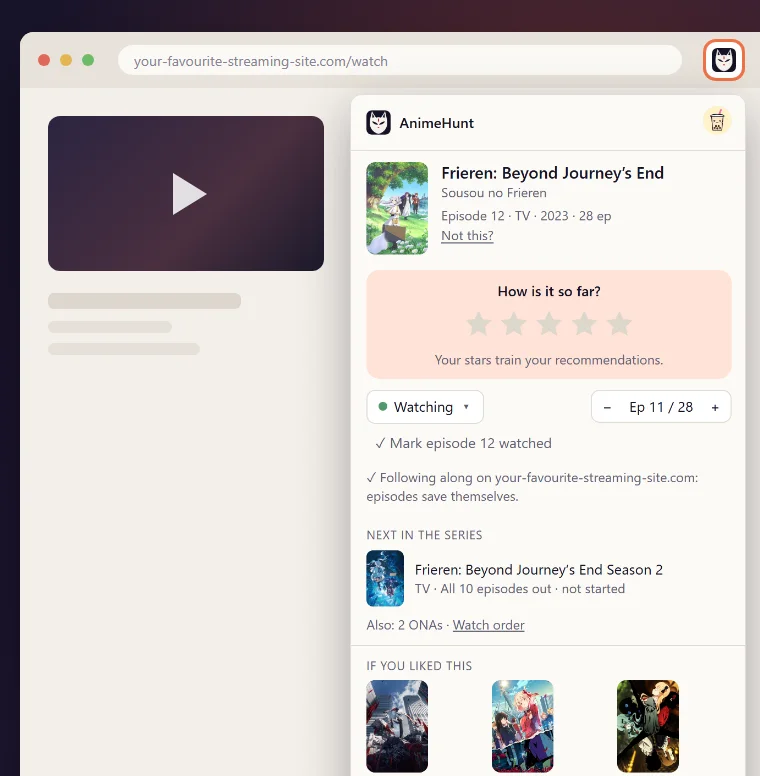
Know what comes next
The next season, the OVAs and specials in between, and the full watch order for whatever you are watching.
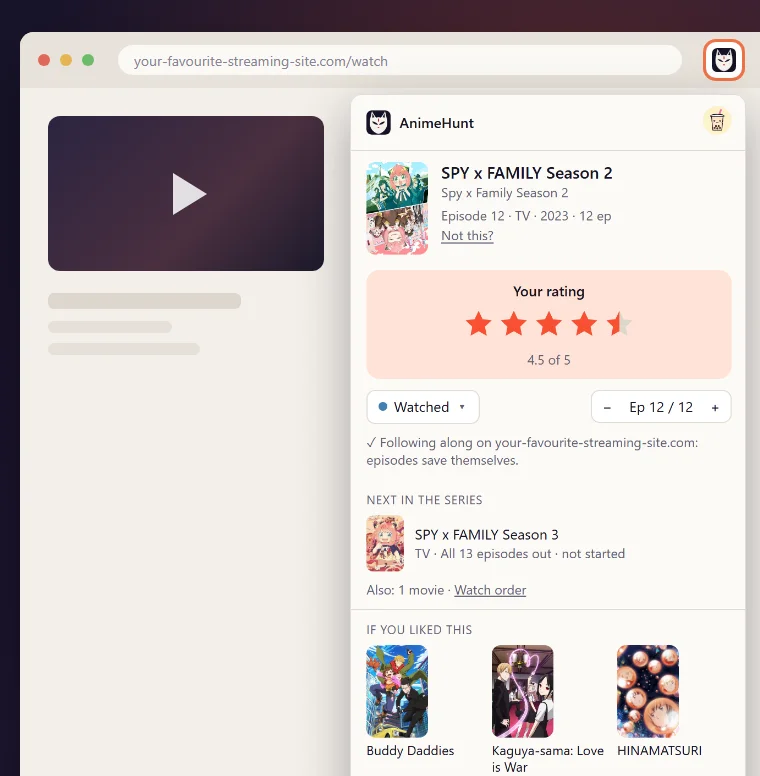
Rate it the moment you finish
Turn on Follow along for a site and episodes save themselves; when a season ends, a small card asks for your stars.
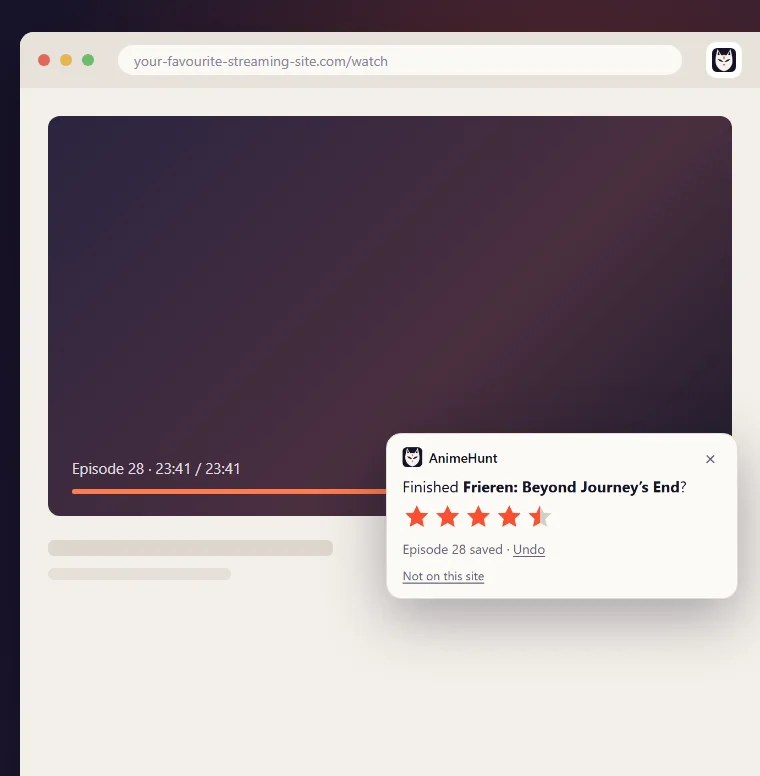
Find your next favourite
Picks from people who loved the same series, right under the one you are on. Every rating makes them better.
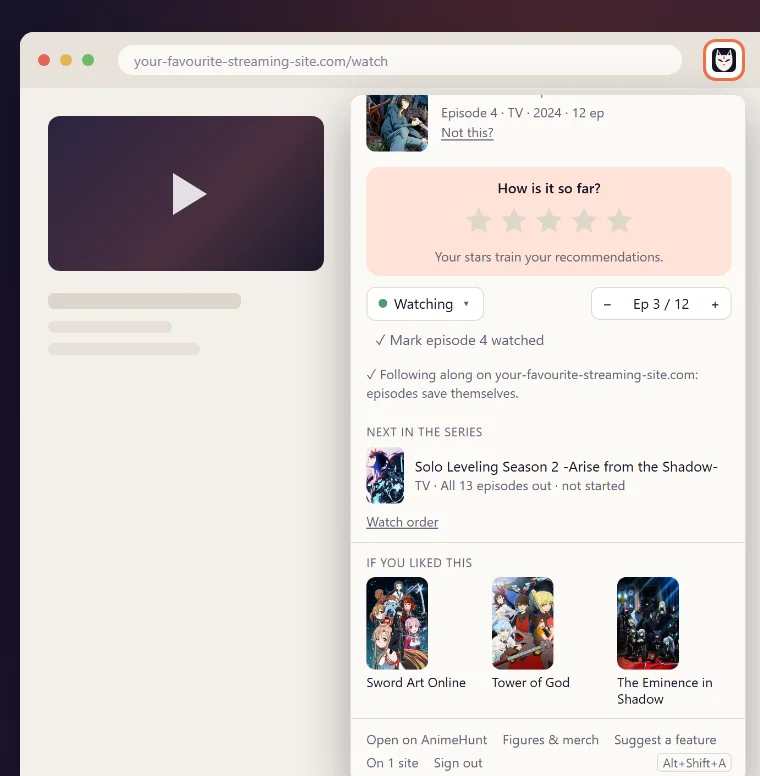
Private by design
The extension reads the title of your tab only when you click it, or on sites where you turned on Follow along. Unofficial sites never leave your browser. No ads and no affiliate links inside the extension. The details are in the privacy policy.
Questions
- Is the extension free?
- Yes. The extension and AnimeHunt are free. Browsing what comes next works without an account; a free account saves your ratings and progress to your library.
- Which browsers does it work in?
- Chrome, and other browsers that install from the Chrome Web Store, such as Microsoft Edge and Brave.
- Does it work on my streaming or reading site?
- It reads the series from the tab title, so it works on most streaming and reading sites. When it is not sure, it shows a short list to pick from, and you can always search.
- What does it read?
- The title of your tab, when you click it or on sites where you turned on Follow along; on those sites also how far the video has played, checked on your device. Never other tabs or your browsing history.
More help on the Help & contact page.
Never forget to rate again
From the Chrome Web Store · also works in Edge, Brave and other Chromium browsers